



Crystalroll Mobile Access
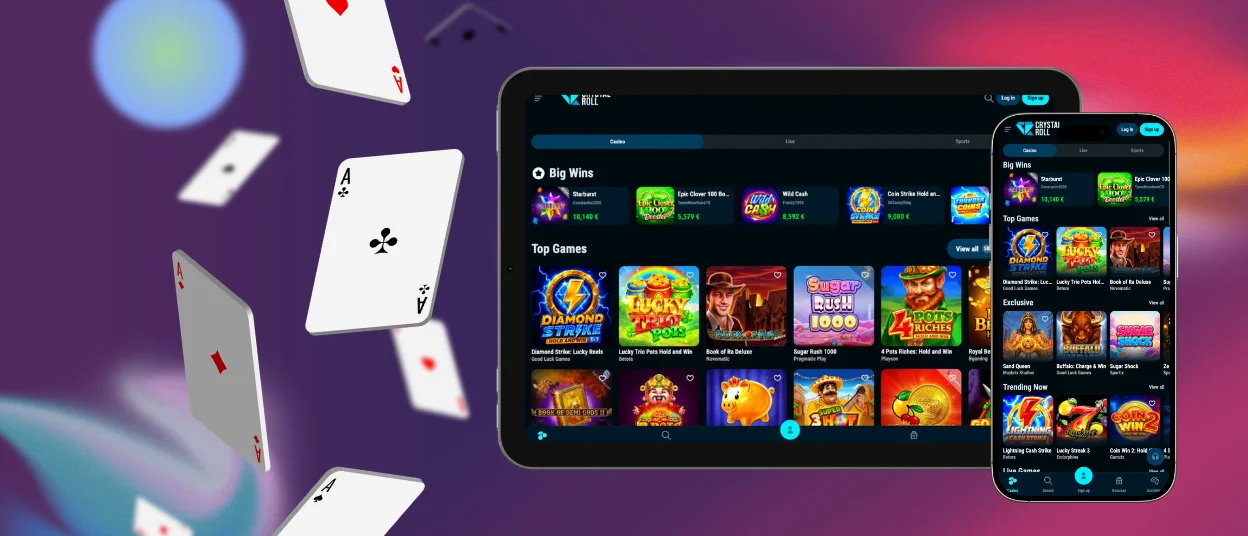
Crystalroll app provides mobile access to online slots and live real-money games through modern Android and iOS devices. The mobile platform includes the main casino functions, ongoing promotions, and daily tournaments without requiring a desktop computer.



Using Crystal Roll Casino on Mobile
Players can access Crystalroll Casino from a smartphone either through the mobile website or by adding the platform as an app. The browser version works with current mobile browsers such as Chrome and Safari and adapts its interface to smaller screens.
Users can also add the Crystalroll app directly to the device home screen. This removes the need to open the browser manually each time and provides quicker access to games. Deposits, withdrawals, and account settings remain available through the mobile interface, while changes synchronize automatically with the user’s profile.
Mobile gameplay differs from the desktop experience in several areas:
- Quick login: The Crystal Roll app opens in a few taps from a smartphone home screen. On desktop, the user first starts the computer and then opens the casino through a browser.
- Session length: Mobile access suits both short sessions and longer play depending on battery level. Desktop devices are better suited to extended sessions because they provide a larger display and continuous power.
- Game controls: Many mobile titles support one-handed controls, while live games use compact menus for placing bets. Desktop users control slots and crash games with a mouse, and the larger interface is more convenient for games with multiple betting options such as roulette and craps.
- Multitasking: Mobile use is more limited by screen size and the app interface. A desktop browser allows several tabs to remain open at once, making it easier to switch between games, promotions, and account pages.
Crystalroll App for Android
Crystalroll supports modern Android smartphones from manufacturers such as Xiaomi and Samsung, as well as other compatible devices. Users can access a catalog of more than 6,000 games without downloading a separate APK file.
The mobile version works as a Progressive Web App, or PWA. The installation process consists of the following steps:
| Step | Action |
| 1 | Open the official Crystal Roll Casino website in a current mobile browser. |
| 2 | Open the browser menu by tapping the three-dot icon near the address bar. |
| 3 | Select Add to Home Screen. |
After installation, the Crystalroll icon appears on the home screen. Users can move it into another folder or place it inside a protected folder if the device supports that function.
Crystalroll PWA Problems and Quick Fixes
The PWA format uses relatively little device storage and does not require users to download manual software updates. Since it operates through web technology, most changes appear automatically when the platform is updated.
Some technical issues can still occur:
- Install button is missing: Refresh the page and reopen the main browser menu.
- The app opens in a normal browser tab: Delete the existing shortcut and add Crystal Roll to the home screen again.
- The PWA does not load: Check the internet connection and disable an active VPN.
- Games do not start: Allow pop-ups for the site and confirm that the browser is running the latest available version.
- Account login fails: Enable cookies and exit private or incognito browsing mode.
Crystalroll App for iOS
Crystalroll Casino can be accessed from iPhones and iPads through Safari or through a home-screen web app. Installation does not require a separate store download. Users open the website in Safari, select the Share option, and add the Crystal Roll app to the home screen.
Devices running iOS 18 or later support biometric protection for selected app shortcuts, allowing access to be secured with Face ID. The native Shortcuts app also lets users create direct links to individual Crystalroll sections.
For example, a shortcut can open a saved list of favorite slots or a page showing the user’s current position in network tournaments connected with providers such as Pragmatic Play or BGaming.

Desktop Applications for Windows and macOS
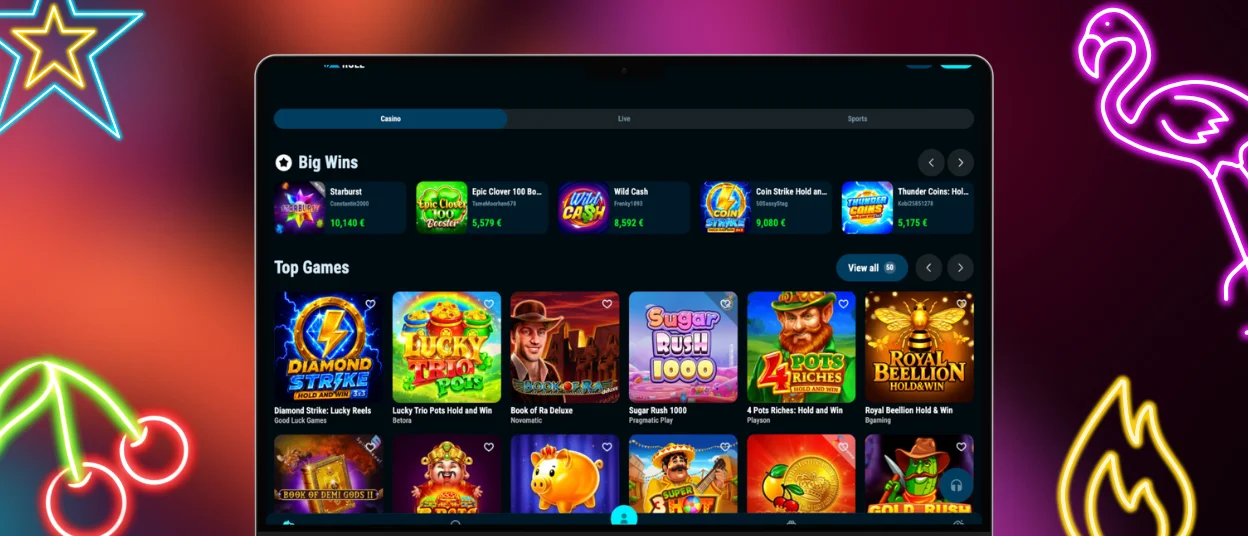
The browser version provides full access to Crystalroll games and account functions on Windows and macOS computers. The platform can also be installed as a desktop web application.
When a compatible browser detects the installation option, it displays a prompt in the address bar. After installation, Crystal Roll opens in a separate window rather than a standard browser tab.
This setup provides a full-screen interface without unrelated tabs in the same window. Users who encounter installation problems can contact the support team through live chat or email.
FAQ
Can I complete the verification process in the Crystalroll app?
Yes. Account verification can be completed directly from a smartphone. Users can photograph the required documents with the device camera and upload the images through the Crystalroll account interface without transferring files to another device.
How do I update the Crystalroll Casino app?
The PWA updates automatically. Changes made to the main Crystal Roll website, including new platform functions and promotional sections, become available through the installed version without a separate manual update. Users only need to reopen the app to access the current version.
Can I fund my account with mobile wallets?
Yes. Google Pay and Apple Pay can be used for deposits in regions where these payment methods are supported by Crystalroll. Mobile wallets allow users to confirm a payment directly on their smartphone, reducing the need to enter bank card details manually for each transaction.


